One-by-one sendingPersonalized campaigns from CSV contacts
BUSINESS TEXTING CONTROL CENTER
Personalized bulk texting without the complicated workflow.
Import your contact list, send messages one at a time from an Android phone, track results, control licenses, and manage resellers from one platform.
Detailed reportingTrack sent, delivered, failed, and blocked
Reseller systemCreate users, licenses, and recurring revenue
Compliance controlsQuiet hours, audit logs, and opt-out tools
The customer supplies the Android phone, SIM card, and cellular service.
Quiet hours active9:00 PM–8:00 AM
2,854,621messages tracked
Secure licensing Device-controlled access
Live statistics Campaign-level reporting
Multi-level sales Resellers and sub-admins
Built for control Limits, logs, and permissions
HOW IT WORKS
From license to completed campaign.
The workflow is built to keep customer access, message limits, reporting, and compliance controls connected.
Create the account
An administrator or reseller creates a customer and assigns the correct subscription.
Activate the Android app
The customer enters the license key. The server verifies status, device limits, and policy settings.
Import and send
Upload a CSV contact list, personalize the message, and send to each recipient one by one.
Review the results
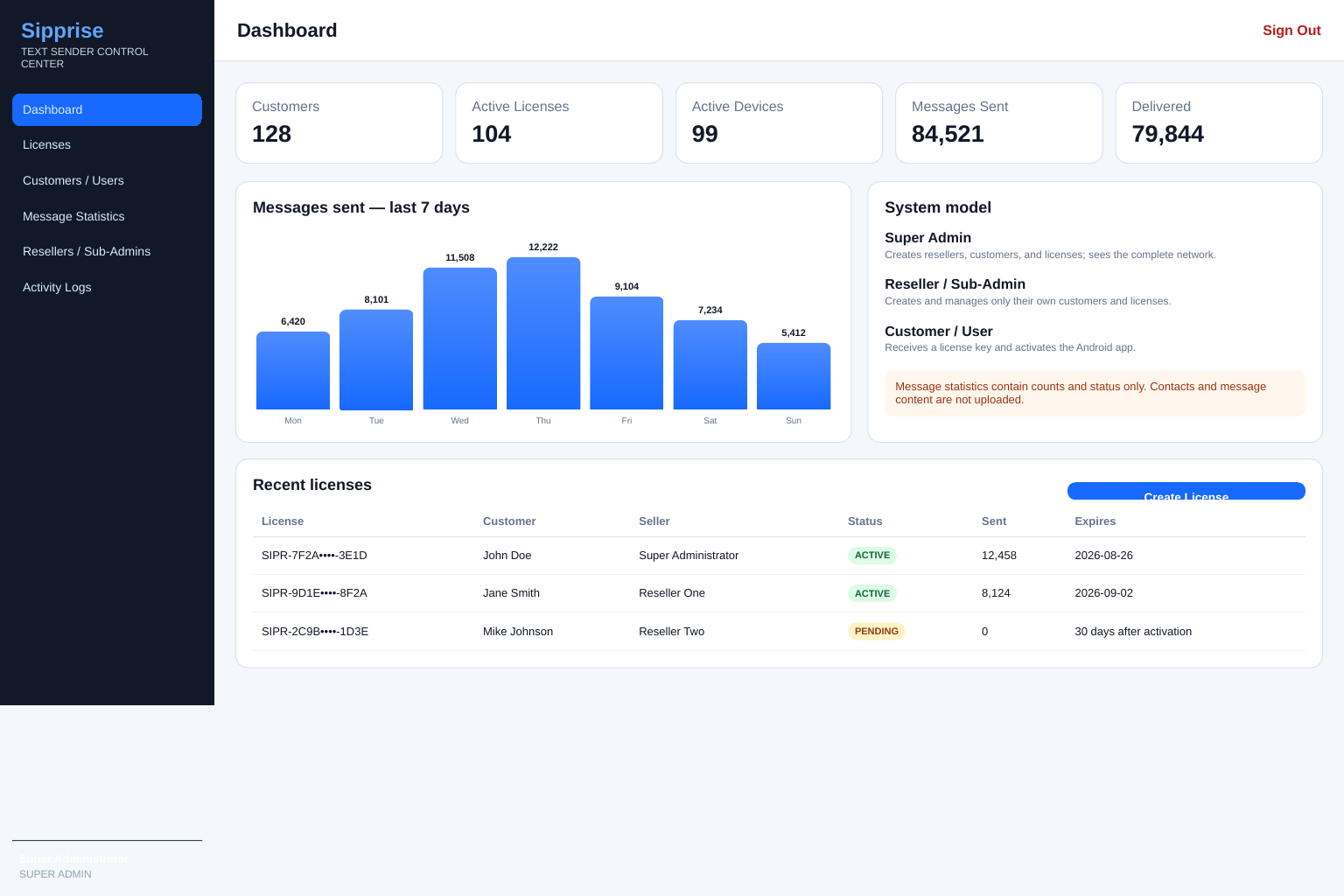
See sent, delivered, failed, quiet-hour blocks, usage totals, devices, and reseller activity.
BUILT-IN SAFEGUARDS
Quiet hours are on by default.
Standard licenses block sending from 9:00 PM through 8:00 AM according to the assigned device or license timezone. The app checks before a campaign and before each individual message.
✓
Standard plans Quiet hours remain enforced.
✓
Internal Operations Override requires Super Admin permission and is recorded.
✓
Campaign reporting Blocked messages stay queued rather than being mislabeled as failures.
!
Customer responsibility The software does not replace consent, opt-out, carrier, federal, or state requirements.
COMMON QUESTIONS
Know exactly what you are buying.
Clear answers prevent bad expectations and support problems later.
Does Sipprise provide the phone or cellular plan?
No. The customer supplies a compatible Android phone, SIM card, and cellular service. Sipprise provides the application, licensing, controls, and reporting.
Are carrier charges included?
No. The customer's cellular provider may charge for messages or restrict automated, commercial, or high-volume use.
Can quiet hours be turned off?
Only an Internal Operations license can use the override, and only after a Super Admin allows it. The action is recorded in the activity log.
Can I change plans later?
Yes. An administrator can change license limits, expiration dates, devices, and plan assignments from the control center.
What happens when a license expires?
The Android app checks the Sipprise server at launch and before campaigns. Expired, suspended, or cancelled licenses are blocked.
Can resellers see each other's customers?
No. Resellers are isolated to their own customers, licenses, devices, transactions, and message statistics.
LET'S GET YOU STARTED
Choose your plan and tell us what you need.
This guided form helps us recommend the right setup, prepare your account, and contact you by email, phone, or text.
✓
2 Min SetupQuick plan request
⚡
Get Ready FastWe prepare your account
◆
Direct SupportEmail and text follow-up
Your request was received.
Your reference number is . Email and text notifications will follow the preferences you selected.
Return to Sipprise